Free GTA 6 phone wallpapers (3:4 crop)
How to download Vice City style phone wallpapers from Vice City Studio: mobile 3:4 crops from the free pool, without installing the game.
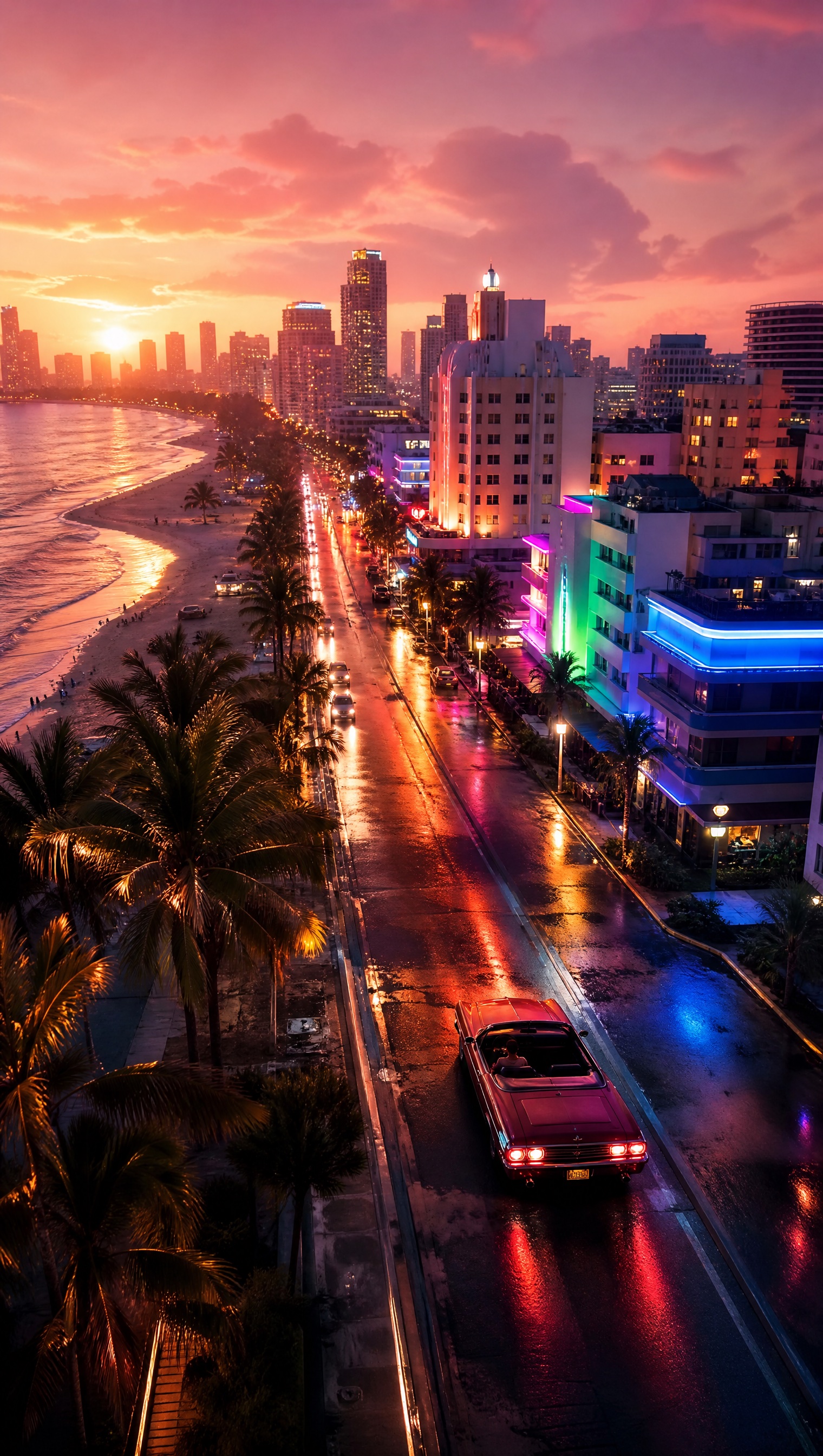
Phone crop is a different job
A desktop 16:9 still stretched onto a phone lock screen clips faces and titles into the notch. On /wallpapers, choose Mobile (3:4) before you save. Pooled free looks such as Neon Dusk Drive already store a mobile file so the first download can be instant.
These are fan-made Vice City style layouts from Vice City Studio — not official Rockstar key art and not frames from a leaked build. No game install is required.
Free pool versus personalize
Stay on Free if you only want atmosphere. Open a pooled style, set Mobile, download JPG. Personalize styles that need your photo spend from the shared credit wallet — use those when you want your face in a poster, not when you only need neon night drive mood.
The site may ask for an email before the first file saves. That is a save step, not a claim that free cinematic styles require a paid plan.
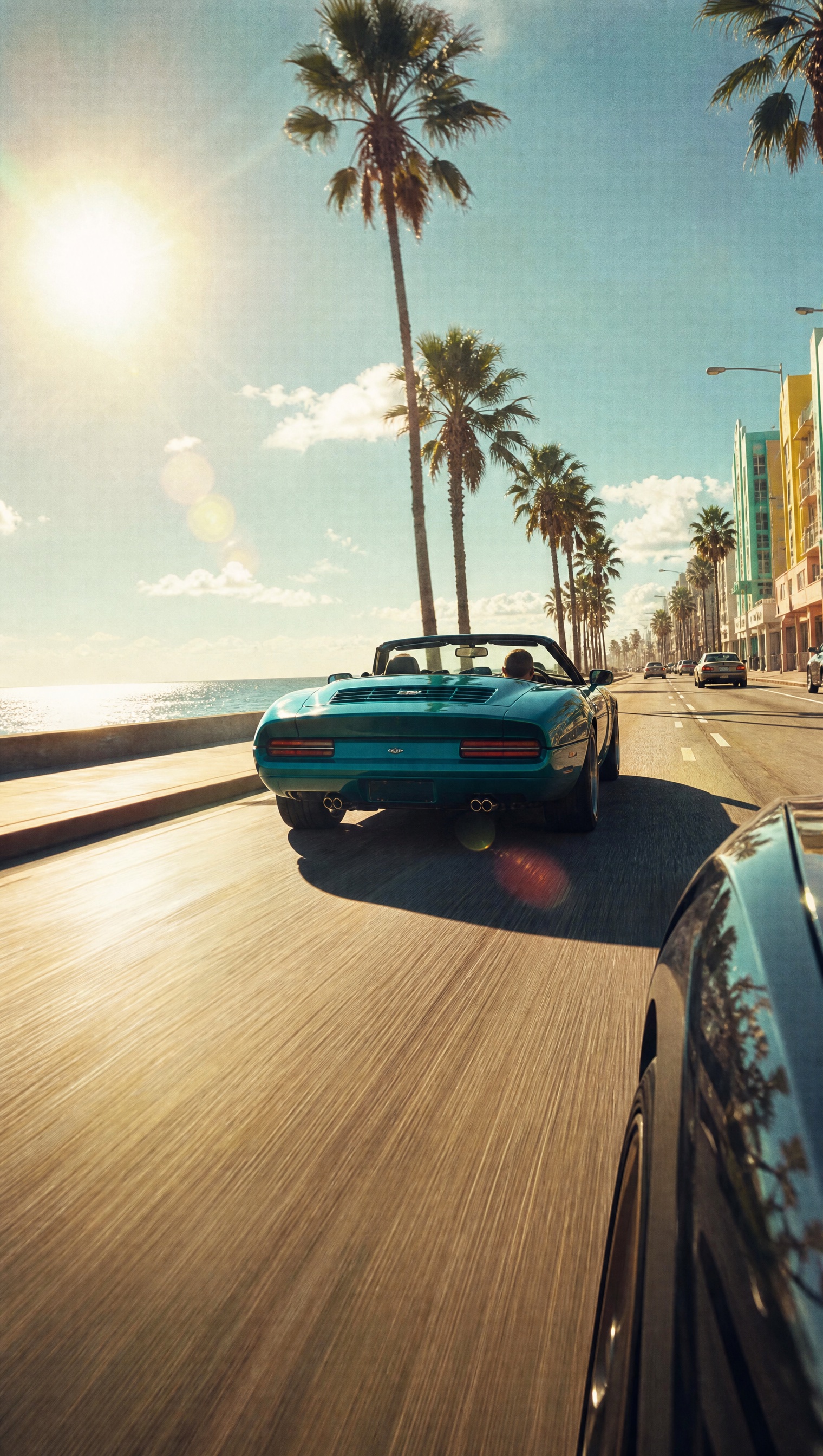
Launch-week phone hygiene
Before November 19, 2026, a lock screen is often all someone wants without opening a spoiler thread. Grab a free mobile wallpaper, then learn districts on /map separately.
If you share the image, say it is fan-made. Creators who need a YouTube thumbnail should open Creator Studio — phone wallpaper crops are the wrong safe zones for a 1280×720 shelf.
Questions
- What size are phone wallpapers?
- Mobile targets a 3:4 crop on the wallpapers page. Download after selecting Mobile.
- Are these official GTA 6 wallpapers?
- No. They are fan-made layouts from Vice City Studio.
- Do I need the game installed?
- No. Wallpapers generate and download in the browser.