Custom GTA 6 wallpaper prompts
When to leave the free wallpaper pool and unlock live generation with a custom prompt on Vice City Studio.
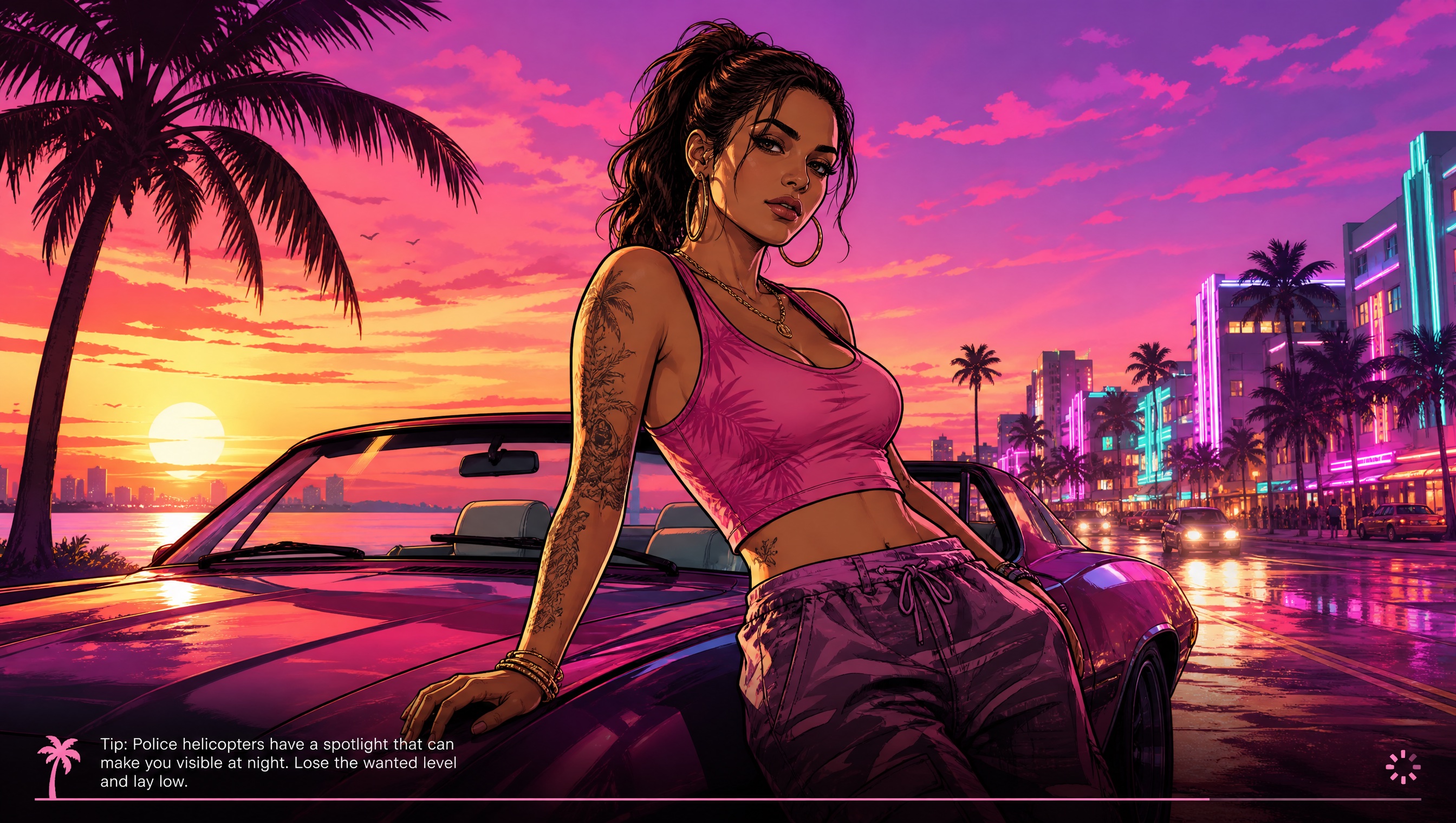
Pool first, custom second
Most people who want “GTA 6 wallpaper” are served by the free pool: night drives, coast runs, loading-screen energy, downtown motion, collage looks. Those files exist so you are not waiting on a render for a stock idea.
Custom prompts leave the pool and unlock live generation when you need a specific line the shelf does not have. That is a different cost and wait profile — use it deliberately.
Write prompts that stay original
Describe mood, time of day, and composition. Avoid dressing the request up as official Rockstar key art or a named trademarked vehicle. The studio is fan-made; keep the output honest.
Still choose Desktop or Mobile. A great custom prompt with the wrong aspect wastes the generate. Download JPG when you like the frame; share if you want a link.
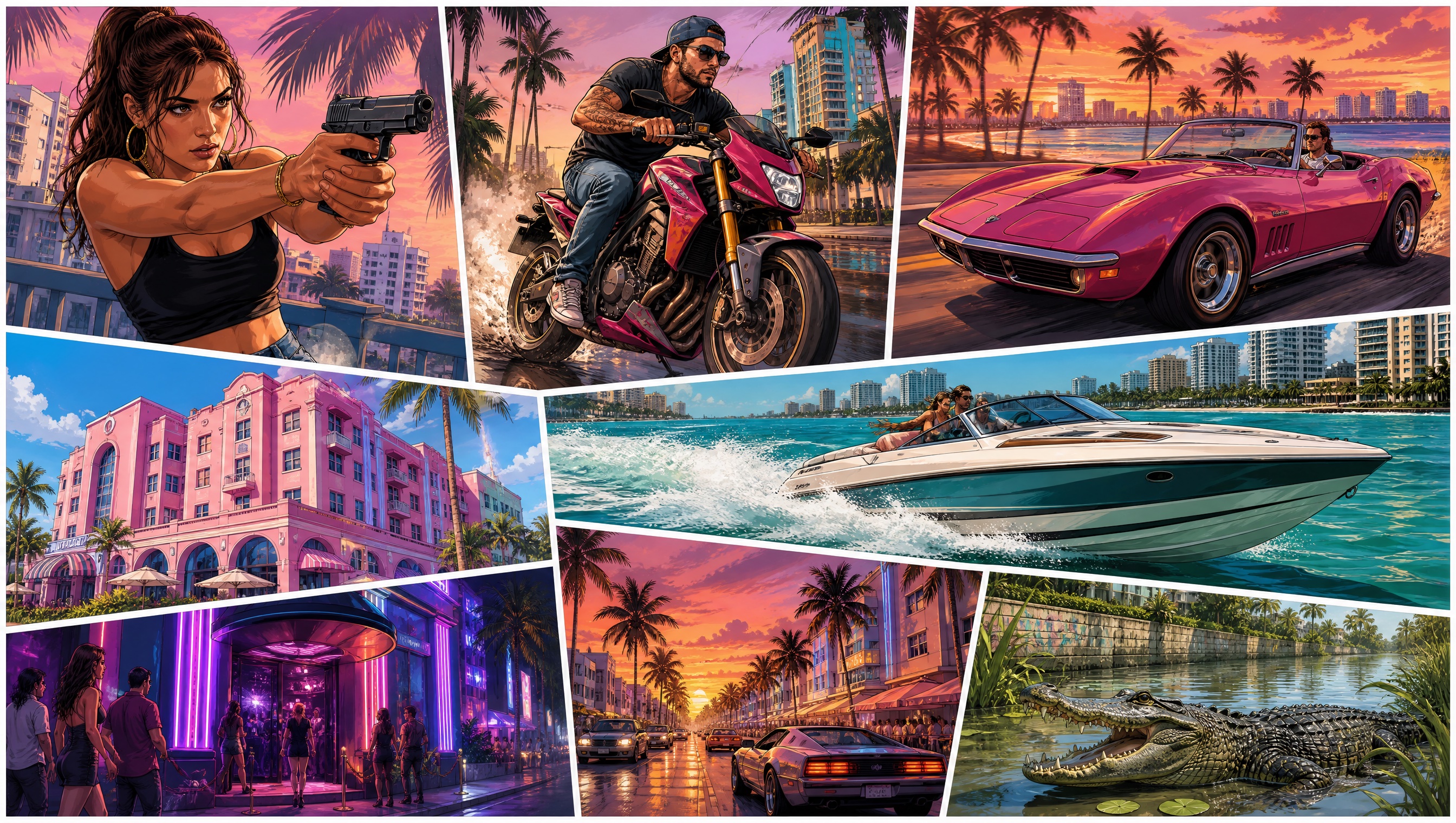
Custom wallpaper versus Creator Studio
Custom wallpaper prompts still produce wallpaper crops. They do not invent YouTube titles or stamp brand-kit logos for a 1280×720 shelf. Cross over to Creator Studio when the deliverable is a clickable thumbnail.
Map learning stays on /map. A custom prompt will not plot Port Gellhorn for you.
Questions
- When should I customize the prompt?
- When the free pool does not have the mood you need and you are okay with live generation instead of an instant pooled file.
- Are custom results official art?
- No. They are fan-made generations from Vice City Studio.
- Can I personalize and customize at once?
- Photo personalize and prompt changes are different levers. Read the page: photo styles need an upload; custom prompts leave the pool for live generation.