Make a GTA 6 thumbnail from your photo
Personalize thumbnail layouts that use your photo, locked looks, and 1280×720 export — versus wallpaper photo comps on a different page.
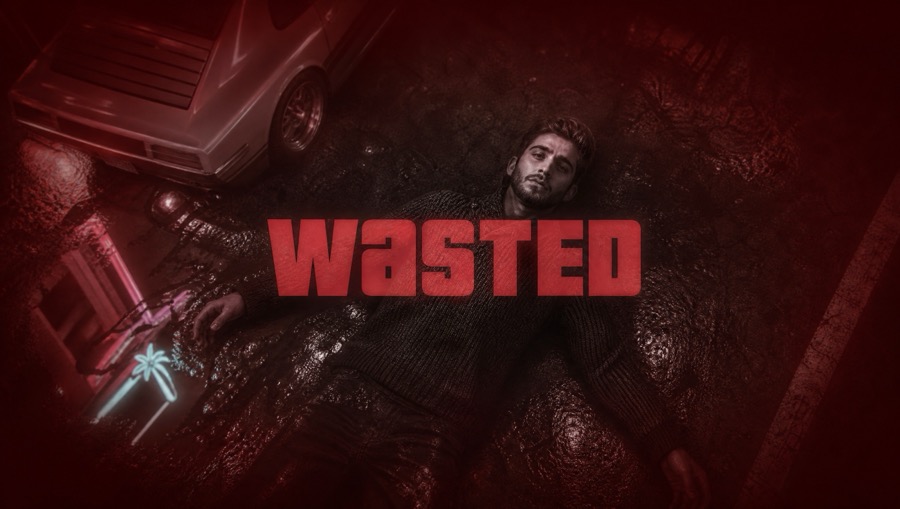
Photo layouts on the thumbnail desk
Some Creator Studio layouts need your photo and spend credits. They exist so the face on the shelf is yours, not a stock stand-in. Neon cutout and locked-look options keep the same face treatment across a series when you are entitled to those toggles.
There is also “use my screenshot” when the footage already has the moment. That path is often better than forcing a studio photo layout onto a scene you already filmed.
Photo wallpaper is a different tab
If you only want a lock screen with your face, open /wallpapers Personalize. That path targets desktop or mobile wallpaper crops and will not stamp a YouTube title at 1280×720.
Credits are shared across personalize surfaces. Decide which deliverable you need before you spend.

Export and push
Composite the title, check mobile safe zones, export PNG, then update an existing YouTube video if connected. Do not expect the studio to invent a new upload from a selfie.
Say fan-made when you show the result. Keep official logos off the face crop.
Questions
- Do photo thumbnails use credits?
- Personalize layouts that require a photo spend credits. Free templates may not need a photo.
- Is this the same as wallpaper personalize?
- Same credit wallet idea, different output. Thumbnails are 1280×720 with titles; wallpapers are phone/desktop stills.
- Can I lock my face look?
- Locked-look / neon cutout options exist for consistent face treatment and may require studio entitlement.