Put your photo in a GTA 6 style wallpaper
How personalize wallpapers work on Vice City Studio: upload a photo, run a style that needs it, spend a credit, download JPG — still not official Rockstar art.

When personalize is the right tab
Free cinematic styles do not need your face. Personalize styles do: WASTED frames, character crops, key-art posters, couple covers, and similar comps. Switch tabs only when you are ready to spend a credit and you already have a clear photo.
Credits sit in the same personalize wallet as Creator Studio. Map guides never spend those credits. Mixing free and personalize paths is the usual way people get frustrated — read the tab label.
Photo tips that actually help
Use a sharp, well-lit face with room around the head. Tight selfies fight poster layouts. Soft window light beats harsh flash. If the first result misses, adjust the photo or try another personalize style rather than forcing a free night-drive prompt to invent a portrait.
You own the likeness you uploaded. Do not publish someone else’s face in a personalize layout without their okay.
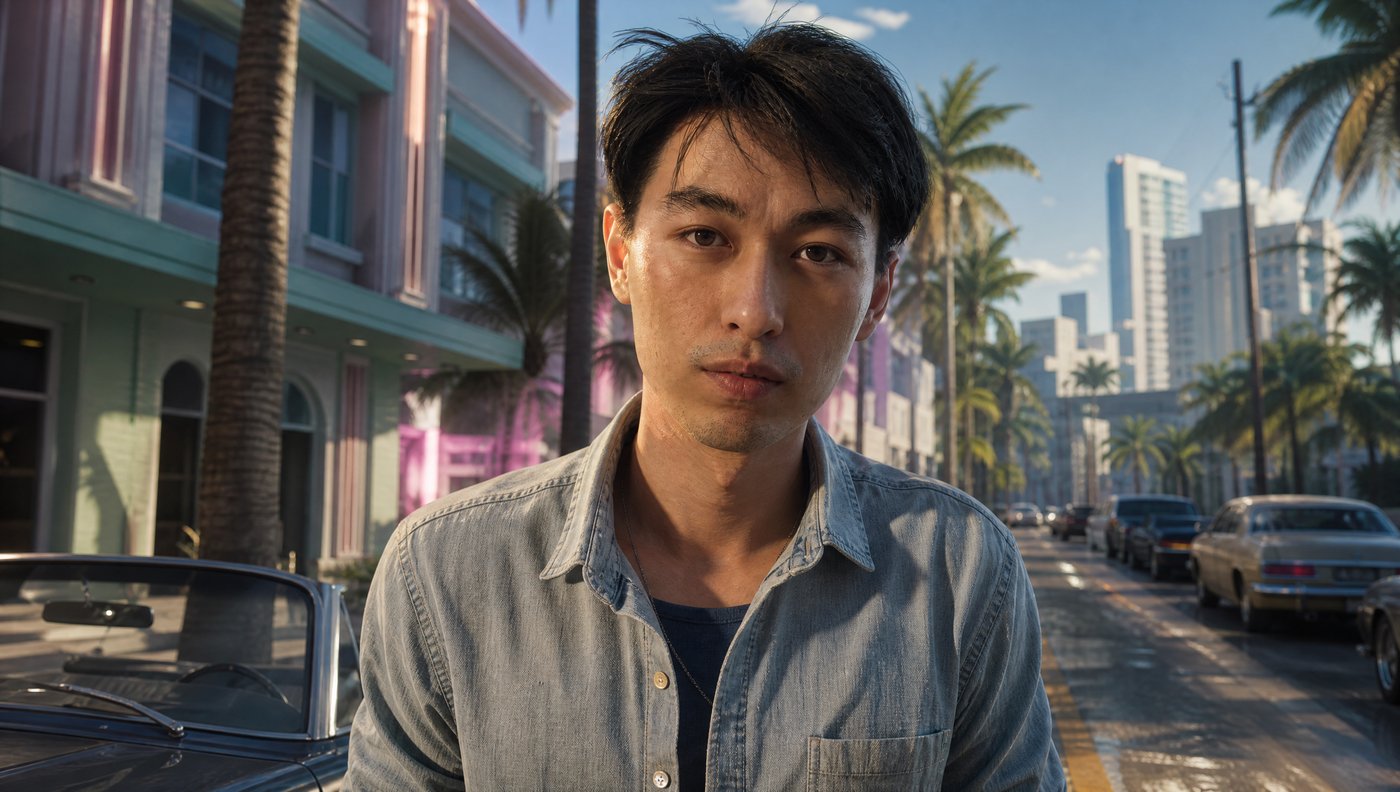
Download and share
Pick Desktop or Mobile before you save. Download JPG, or share a link when you want someone else to see the same frame. Say it is fan-made if you post publicly.
If you actually needed a YouTube thumbnail with a title, stop and open Creator Studio — wallpaper personalize will not stamp a 1280×720 headline layout for you.
Questions
- Do photo wallpapers cost credits?
- Yes. Personalize styles that require a photo use the shared credit wallet.
- Can I use a free style with my photo?
- Free cinematic styles are not built as face comps. Use Personalize styles that say they need a photo.
- Is my photo uploaded to Rockstar?
- No. This is Vice City Studio’s tool. It is not affiliated with Rockstar Games.