Free GTA 6 style wallpapers you can actually download
How Vice City Studio’s wallpaper tool works: free cinematic layouts, photo-composite personalize styles, desktop and mobile crops, and what is fan-made versus official key art.
What the wallpapers tool is
The wallpapers page on Vice City Studio is a fan-made generator for GTA 6-flavored phone and desktop backgrounds. You pick a layout, optionally drop in your own photo on personalize styles, and download an HD JPG. It does not require the game, and it is not affiliated with Rockstar Games or Take-Two.
Layouts are original studio prompts and composites. They are not official Grand Theft Auto VI key art, and they are not frames pulled from a leaked build. If a page elsewhere claims “official GTA 6 wallpaper pack,” treat that claim as marketing — this tool does not make that claim, and it will not dress a download up as Rockstar merch.
The page sits next to Creator Studio and the map on purpose. Wallpapers are for lock screens and monitors. Thumbnails are a different crop and a different job. District learning belongs on the map. Keeping those jobs separate is how the site stays useful in launch week instead of becoming one overloaded generator.
Free styles versus personalize
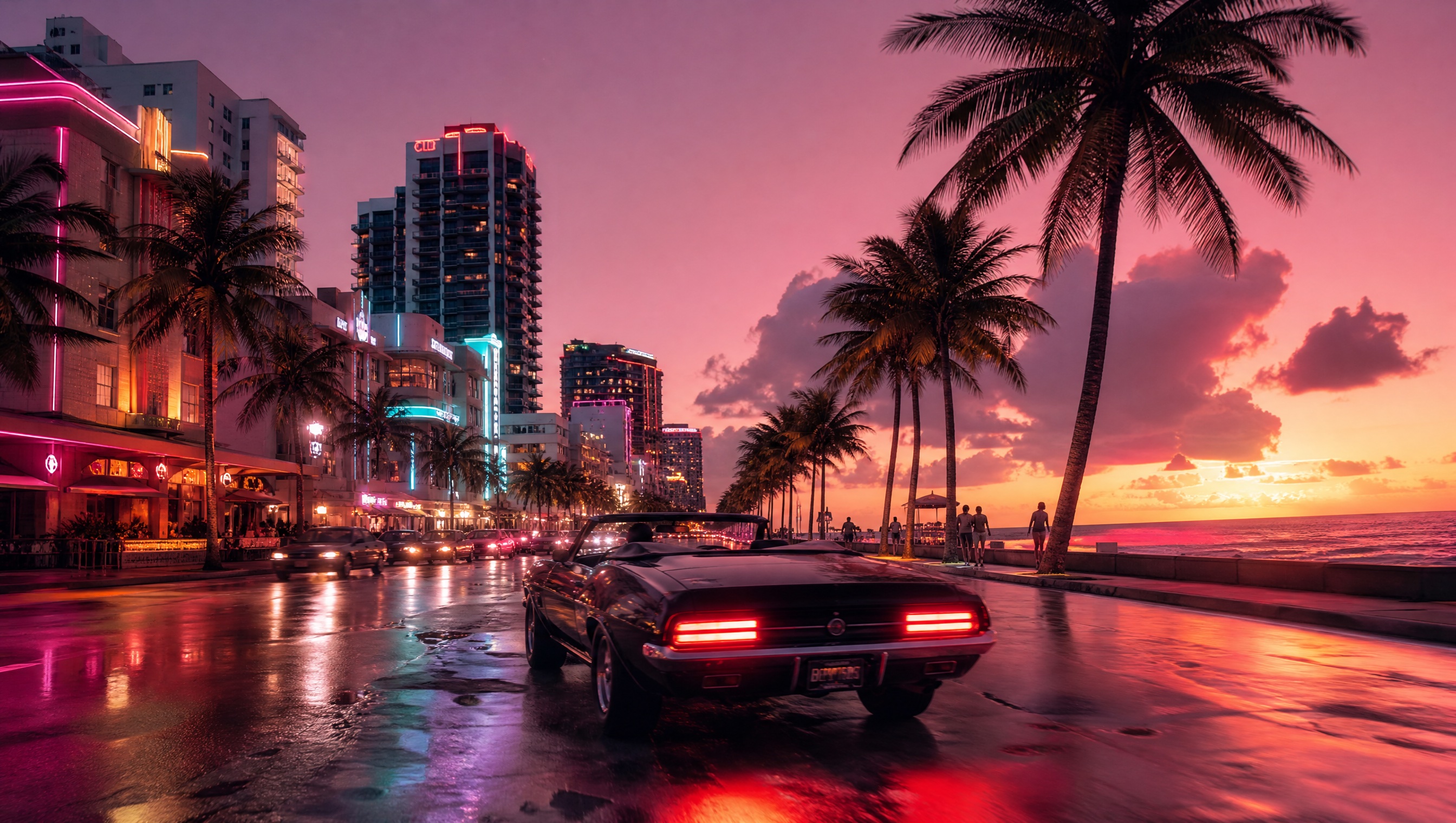
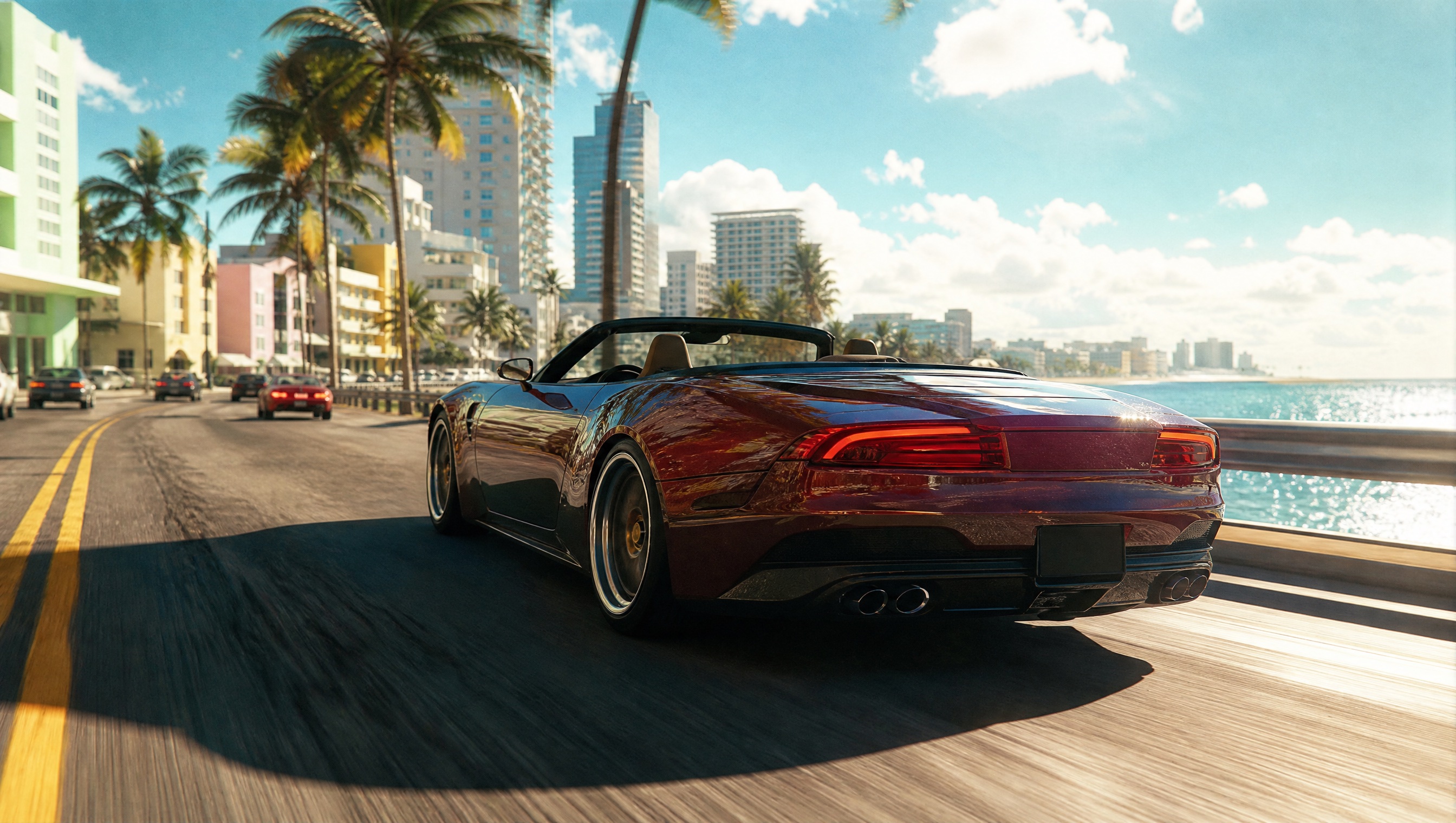
Free styles in the gallery are cinematic Vice City moods: night drives, sun-bleached coast runs, loading-screen energy, downtown wheelies, box-art collage looks, and similar pooled frames. Many of those return a pre-generated image immediately so you are not waiting on a render for a stock prompt you already saw on the landing page.
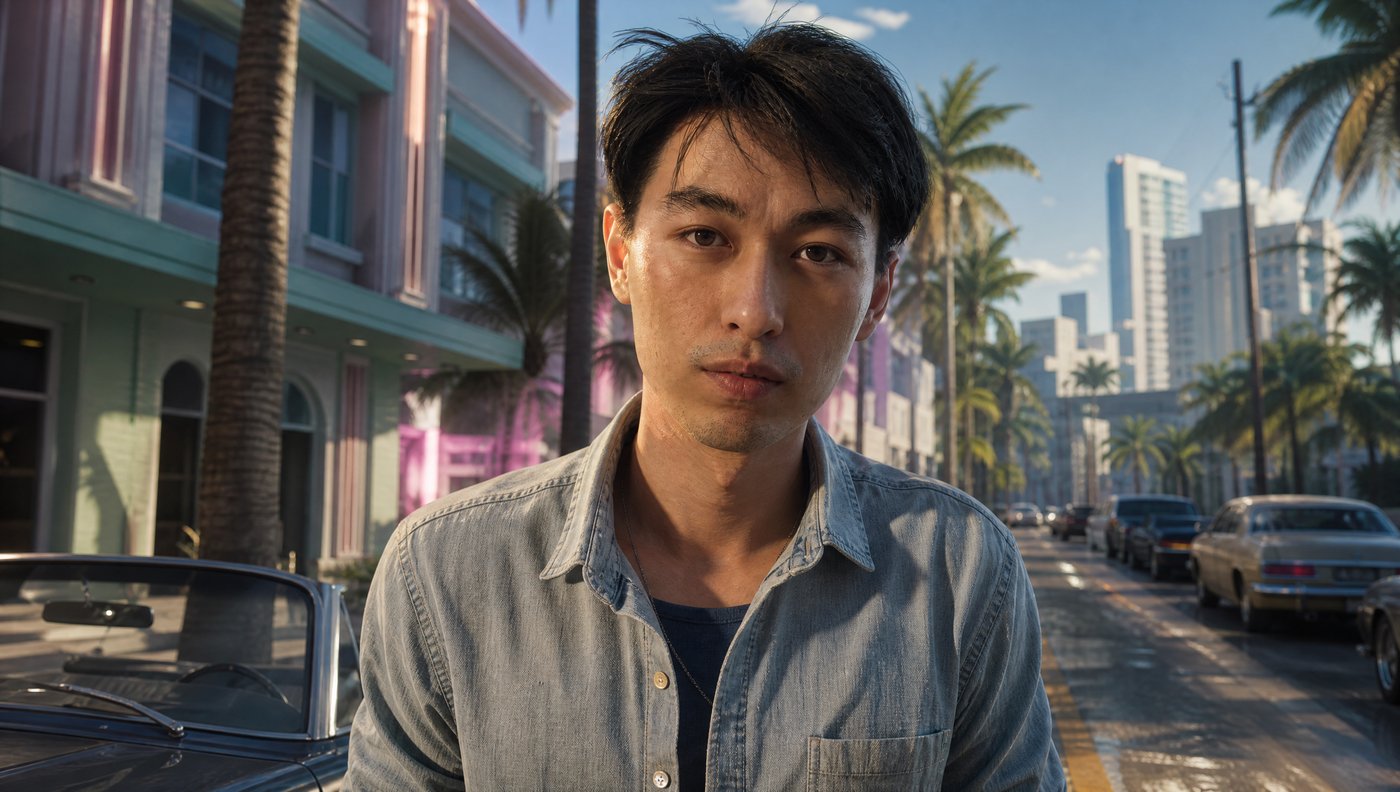
Personalize styles need a photo first. Those are the ones that put you (or a friend) into a WASTED frame, an in-game character crop, a key-art poster, or a couple cover. They spend from the same personalize credit wallet as Creator Studio. Free cinematic downloads do not require an account; the site may ask for an email the first time a file saves.
If you only came for a night-drive desktop and you do not want to spend a credit, stay on Free. If you want your face in a poster, switch tabs, add the photo in the bar, and only then run a style that says it needs a photo. Mixing those paths is the usual way people burn patience — not a bug in the gallery.

Desktop and mobile crops
Every style can target Desktop (16:9) or Mobile (3:4). That sounds minor until you have stretched a landscape poster across a phone lock screen. Pick the crop that matches the device before you download, especially on personalize comps where face placement matters.
Desktop files are built for monitors and laptop wallpapers. Mobile files are taller so a lock screen does not clip the subject into the status bar. The pool stores both ratios for several named looks — Neon Dusk Drive and Sun-Bleached Coast Run included — so a free download can match the device without a second generate.
If you only want a ready file with no photo, stay on the Free tab, choose a pooled look, set the aspect, and download. If you want yourself in the frame, switch to Personalize, add the photo, then run the style that requires it. Custom prompts leave the pool and unlock live generation when you need a line that is not on the shelf.
Standout features
Pooled free downloads. Stock cinematic prompts often serve a finished image from the pool so the first save is instant — useful when you just want a Vice City mood on the desktop tonight.
Photo composite personalize. Upload once, then run styles that require a face or couple shot — WASTED, character, key art, cover art, and similar — using the shared credit wallet.
Desktop and mobile aspects. Explicit 16:9 and 3:4 targets so lock screens and monitors get the right crop without a separate editor.
Custom prompt when you leave the pool. Changing the prompt unlocks live generation instead of only the pre-baked set, for people who want a specific night-drive line.
Share plus JPG download. Save locally as an atlas-named JPG, or share a link when you want someone else to see the same frame without emailing a file.
No game install. The tool lives in the browser; launch-week prep does not depend on console access or a leaked build folder.
How to get a clean download
Start on Free if you only need atmosphere. Open Neon Dusk Drive, Sun-Bleached Coast Run, or another pooled style, flip Desktop or Mobile, download, done. Use Personalize only when you are ready to spend a credit and you already have a clear photo.
For composites, use a sharp, well-lit face with room around the head. Tight crops fight the poster layouts. Soft evening window light usually beats a harsh flash. If the first result misses, adjust the photo or try another personalize style rather than forcing a free cinematic prompt to invent a portrait it was never meant to hold.
Name the file something you will recognize later. The download helper uses an atlas-style name; rename on disk if you are packing a launch-week folder with thumbnails and wallpapers side by side so the two jobs do not collide.
What this is not
It is not a Rockstar wallpaper store. It will not give you confirmed in-game loading screens from November 19, 2026 day-one builds. It will not replace Creator Studio when you need a YouTube thumbnail with titles, and it will not place a 3D prop on the island map — that is Assets Generator.
It is also not a claim that every personalize style is free forever. Free cinematic pools and paid photo comps share a page; read the tab labels. Credits sit in the same wallet as Creator Studio personalize so a channel that already bought generations is not juggling two unrelated balances.
Use wallpapers for phone and desktop mood. Use the map when you care about districts. Use Creator Studio when the output has to sell a click. If a download looks great on a monitor and weak as a thumbnail, that is expected — export size and safe zones are a different product.
Before GTA 6 launch week
In the weeks before November 19, 2026, a lot of people will want something Vice City on their phone without opening a spoiler thread. Free pooled wallpapers are the low-drama answer: pick a look, download, keep scrolling the news elsewhere.
Creators packing a launch desk can grab a desktop still here, then move to Creator Studio for the actual upload art. Players who mainly care about the island should still open the map guide first — a wallpaper will not teach you where Ocean Beach sits relative to downtown.
If you share a download publicly, say it is fan-made. That one line keeps comment threads from turning into “is this official?” arguments, and it matches the disclaimer already on the rest of Vice City Studio.
The same honesty applies to photo comps: you own the likeness you uploaded. Do not publish someone else’s face in a personalize layout without their okay.
Questions
- Do I need an account to download wallpapers?
- No account is required for free styles. The site may ask for an email before the first file saves. Personalize (photo) styles use credits.
- Are these official GTA 6 wallpapers?
- No. They are fan-made Vice City style layouts from Vice City Studio. They are not Rockstar key art.
- Can I put my own photo in a wallpaper?
- Yes, on Personalize styles that say they need a photo. Free cinematic styles do not require one.