Batch GTA 6 titles and platform copy
How Creator Studio’s batch pack drafts thumbnail direction plus YouTube, Shorts, TikTok, and X copy for a launch-week stack.
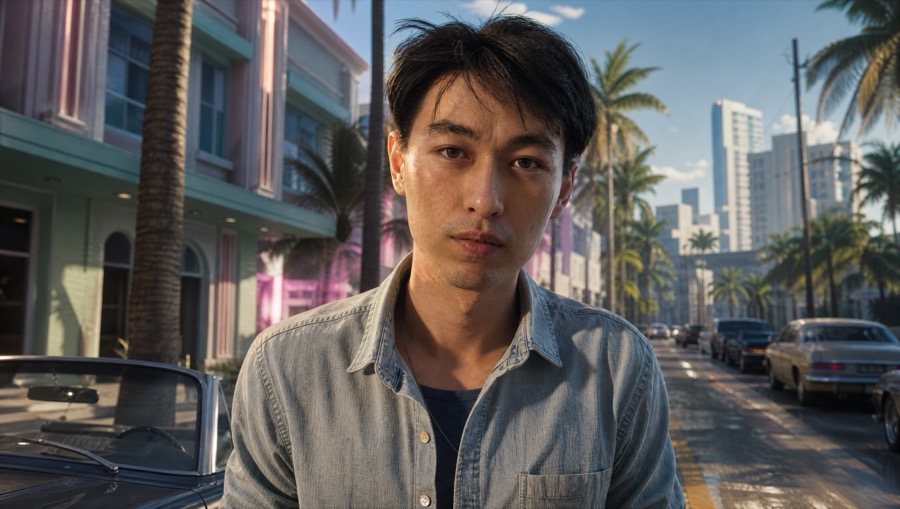
When batch is worth it
Launch week needs more than one title. A batch pass can draft thumbnail direction plus copy for YouTube, Shorts, TikTok, and X so you are not opening four blank captions at midnight.
It is still your judgment on what ships. Treat the pack as a desk assistant. Do not paste spoiler-heavy lines into Shorts if your long-form video was careful.
How it fits the studio desk
Batch sits beside title angles and thumbnail layouts. Lock the brand kit first if you want hashtags and colors reused across the pack. Then generate, edit the lines that miss, export the thumbnail you actually need.
YouTube connect still only updates videos that already exist. Batch copy for a Short you have not uploaded yet stays on your clipboard until you create that upload yourself.
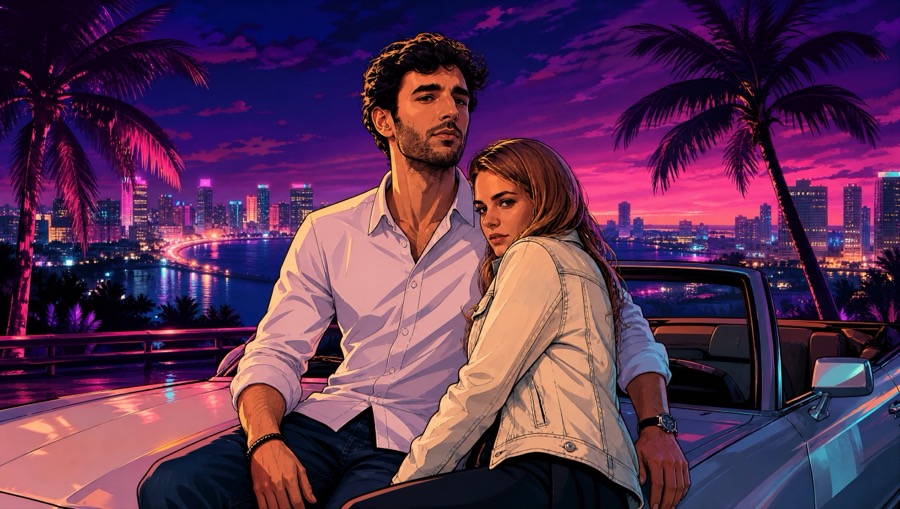
Keep platform voices distinct
Hard-data lines may win on YouTube search. Shorter curiosity hooks may win on Shorts. Do not force one sentence into every network. The batch is a menu.
Link /guides district pages in long-form descriptions. Skip coordinate dumps. Say fan-made when you show studio art.
Questions
- Does batch auto-post everywhere?
- No. It drafts copy and thumbnail direction. You still publish. YouTube push only updates an existing video.
- Is batch free?
- There is a free path to try the desk. Some generates and personalize options use credits or Pro — read the studio entitlement on the page.
- Can batch invent mission titles from leaks?
- Do not use it to fake official mission lists. Stick to coverage you actually filmed.