GTA 6 YouTube title ideas: three angles
How Creator Studio returns curiosity, secret, and hard-data title angles so launch-week uploads are not stuck on one bland headline.
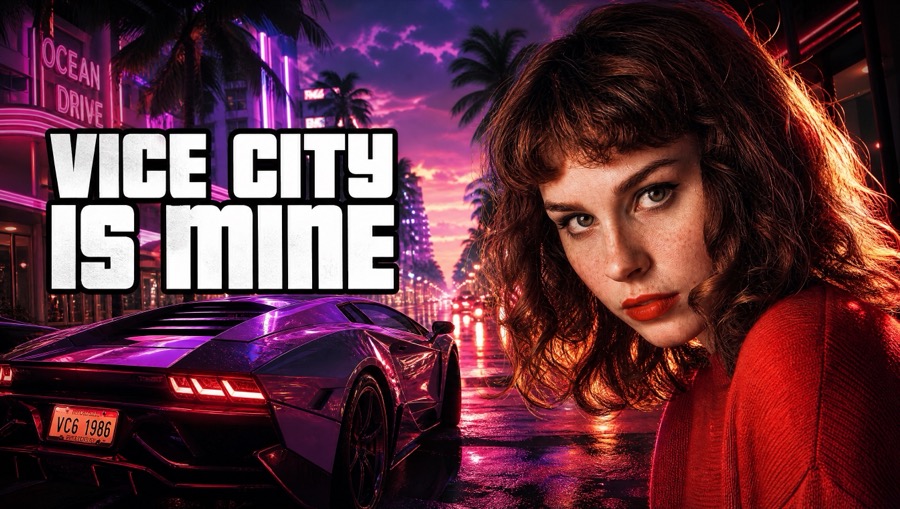
Why three angles
Describe the video and run Get ideas. Creator Studio returns title angles: curiosity gap, secret / don’t-do-this, and hard data. Launch week floods the shelf with the same coastline; lanes keep your wording from collapsing into one generic pattern.
Titles are copy you can paste. They are not final burned-in art until you composite them on the thumbnail step. That lets you change a number without regenerating the whole frame.
How to choose a lane
Hard data fits patch roundups and count-driven videos. Curiosity fits district tours and “what is plotted” explainers. Secret / caution fits mistake videos and spoiler-aware warnings — still without dumping answers in the title.
If none of the three fit, rewrite from the strongest fragment rather than spending another generate immediately. Credits and attention both stretch further that way.
Titles and YouTube connect
If you connect YouTube, Push to YouTube can update an existing video’s title (and description/thumbnail). It does not auto-create a brand-new upload. Draft offline first if the video is still rendering.
Link a district guide in the description when the video is about a place. Viewers on phones will open a guide faster than a coordinate paste.
Questions
- What are the three title angles?
- Curiosity gap, secret / don’t-do-this, and hard data.
- Does the studio publish the title for me?
- Only as an update to an existing YouTube video if you connect and push. It will not create a new upload.
- Are titles official Rockstar wording?
- No. They are fan-made suggestions from Vice City Studio.