GTA 6 YouTube brand kit on Creator Studio
How the local brand kit stores logo, colors, hashtags, and presets so a week of Vice City videos shares one look — without faking Rockstar trademarks.
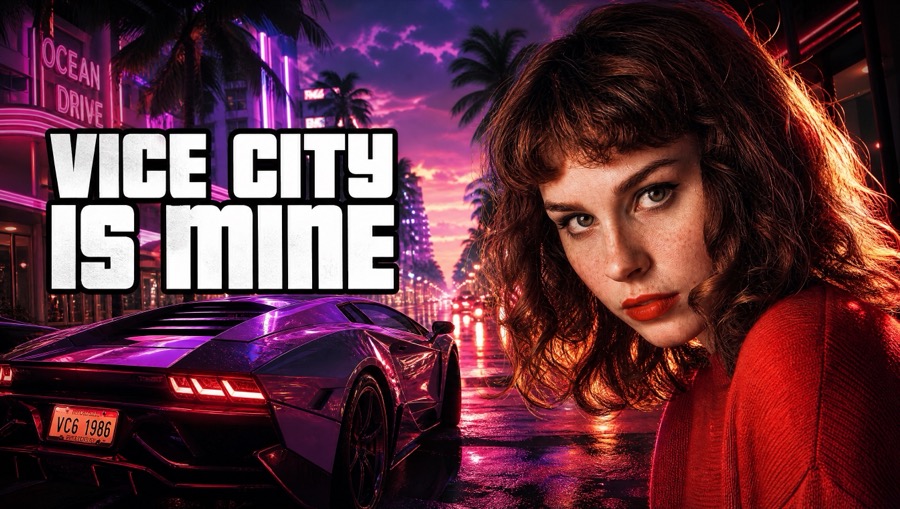
What the kit stores
Logo, channel colors, hashtags, and saved presets live in the brand kit panel. The point is consistency across a noisy launch week: viewers should recognize your shelf, not a random neon template every day.
By default the kit is on-device. Signed-in cloud options exist when you want the same drawer across machines. Clearing site data can wipe local kit state — export or re-upload logos you care about.
Overlays without official cosplay
Asset overlays add fonts, badges, stickers, map marks, and face cutout tools when a layout needs more than a flat photo. Keep official Rockstar marks out. If a template feels like a fake Trailer 3 slate, pick another layout.
Map overlays are useful when the video is about a place: a district mark in the corner, then a link to the district guide in the description.
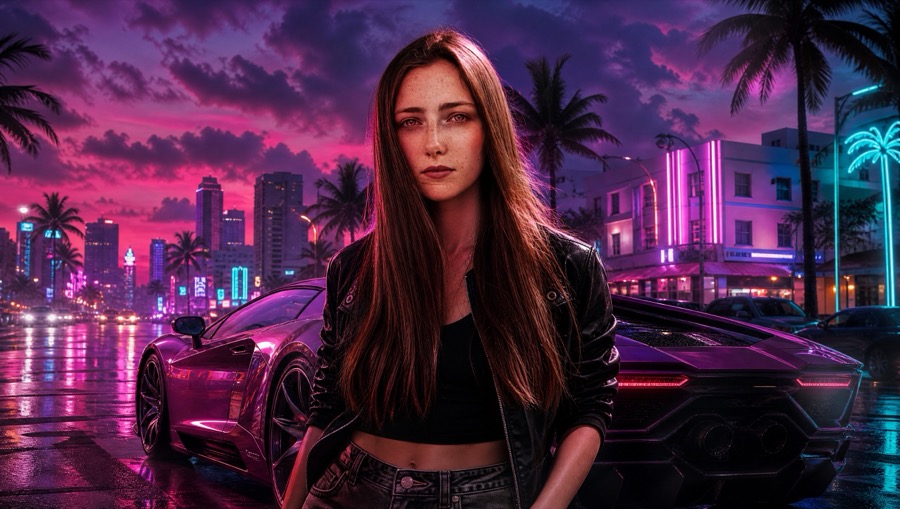
Kit plus YouTube update
Reuse the kit, export 1280×720, then push metadata to an existing video if connected. The kit does not create uploads. It also does not replace wallpapers or Assets props.
Locked-look / neon cutout face treatments may sit behind studio entitlement. Know which toggles spend before you mash generate.
Questions
- Where is the brand kit saved?
- Locally in the browser by default, with cloud when you are signed in. Treat local data as device-scoped.
- Can I use Rockstar logos in the kit?
- No. Keep official marks out. The studio is fan-made and not affiliated with Rockstar.
- Does the kit sync to YouTube branding automatically?
- Push updates title, description, and thumbnail on an existing video. It is not a full YouTube Studio brand channel replacement.